X Growth Tools in 2026: What You Actually Need
There are dozens of X marketing tools, and most people need only a few. Here is what each type of tool does, the well-known options in each category, and how to pick a simple stack that fits how you work.
Search for X growth tools and you will find long lists of apps that all promise more followers. Most people do not need ten tools. They need two or three that cover the parts of growth they find hardest, and the discipline to use them every week.
This guide groups X tools by the job they do, names some well-known options in each group, and helps you decide what you actually need. Features and prices change often, so check each tool's site for the current details before you pay.
The five jobs a growth tool can do
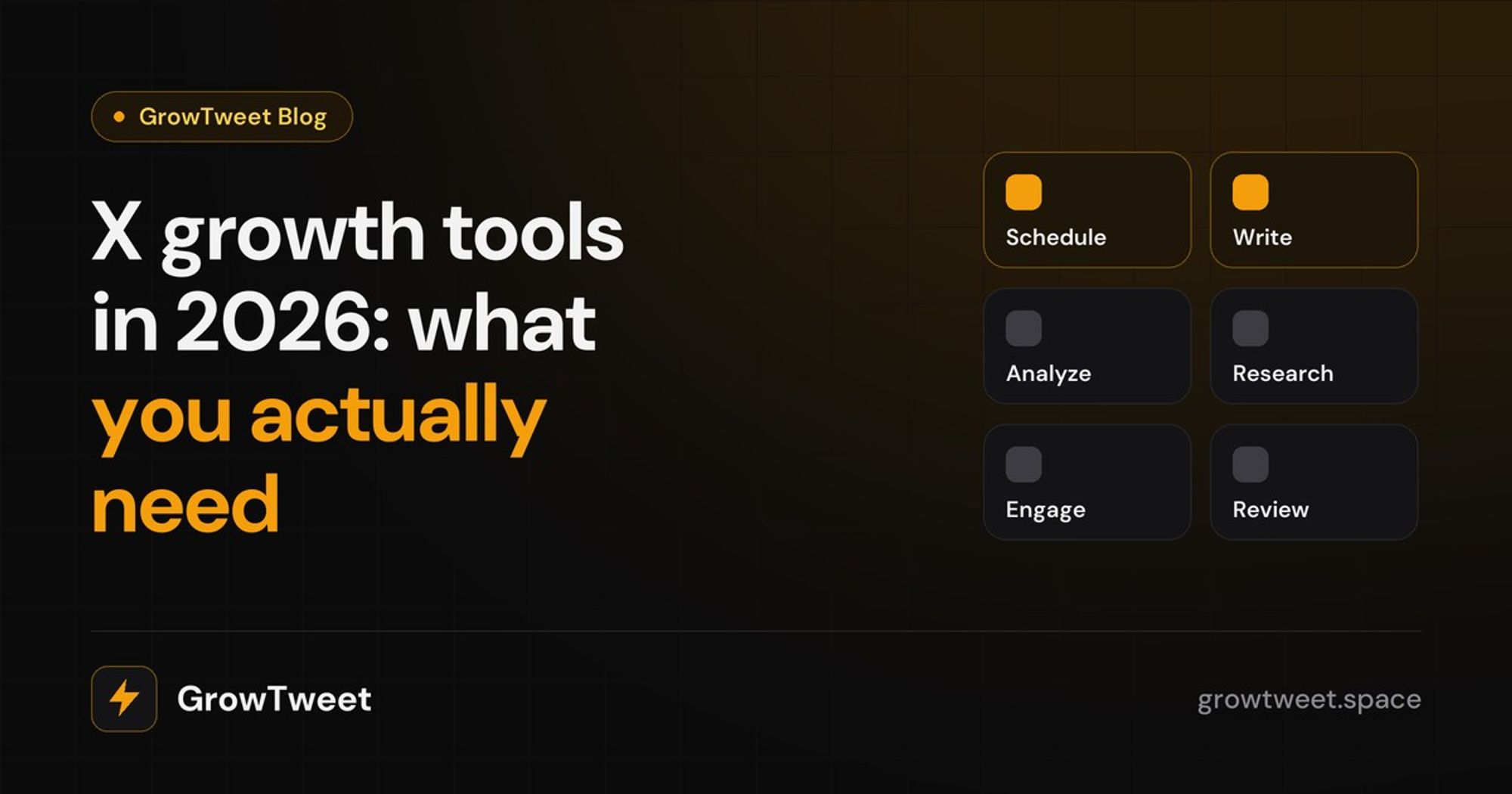
Every X tool helps with one or more of these jobs:
- Scheduling: posting at the right time without being online.
- Writing: drafting posts and threads faster.
- Analytics: understanding what worked.
- Research: finding ideas and seeing what works in your niche.
- Engagement: finding the right conversations and people to reply to.
Start by asking which of these takes you the most time, or which one you skip most often. That is where a tool will help most.
1. Scheduling tools
Scheduling is the most common reason people try an X tool. If you post at the same times every day, you can write in one sitting and let the posts go out on their own.
- X's own scheduler. On the web you can schedule posts from the composer. It is basic but free.
- X Pro. The successor to TweetDeck, with columns for lists, searches and notifications plus scheduling. It is available to Premium subscribers.
- Buffer. A long-standing scheduler that covers many social networks, useful if you post the same content across several platforms.
- Hypefury and Typefully. Built specifically for X creators, with queues, thread support and extras like automatic follow-up posts.
What to look for: a queue that posts at your best times, not just fixed times, and good support for threads and images. Our guide on the best time to post on X explains why timing matters.
2. Writing tools
Writing tools help you draft posts and threads faster. Most now include AI.
- Typefully offers a clean distraction-free editor with thread previews.
- Tweet Hunter combines a large library of popular posts with AI writing help.
- General AI assistants can help you brainstorm, but their text usually sounds generic unless you give them a lot of your own writing.
What to look for: drafts that sound like you. Generic AI text is easy to spot on X, and it does not build an audience. The best writing tools learn from your past posts and let you edit everything before it goes out.
3. Analytics tools
Analytics tell you what to do more of. X's built-in analytics cover the basics, and at the time of writing full account analytics come with Premium.
- X analytics shows impressions, engagements, profile visits and follows per post.
- SuperX is a browser extension that adds analytics and account insights directly on X.
- Most scheduling tools include their own analytics dashboards.
What to look for: metrics that lead to decisions, like follows and profile visits per post, not just impressions. Our guide to the X metrics that matter covers what to watch and how to review it weekly.
4. Research tools
Research tools show you what is working in your niche, so you never start from a blank page.
- X advanced search is free and surprisingly powerful once you know the operators. See our advanced search guide.
- Lists let you follow the best accounts in your niche in one clean feed.
- Post libraries in tools like Tweet Hunter collect high-performing posts by topic.
What to look for: research that is specific to your niche and recent. A library of viral posts from three years ago will not tell you what your audience wants today.
5. Engagement tools
For smaller accounts, replies are the fastest way to grow. Engagement tools help you find the right posts to reply to and the right people to talk to.
- X Pro columns and saved searches let you watch keywords and accounts in real time.
- Notifications for key accounts make sure you see important posts early.
- Lead and mention monitoring in some tools surfaces people asking for something you offer.
What to look for: fresh, relevant conversations, early enough that your reply can still be seen. Our guide on getting followers with replies explains the strategy.
How to choose your stack
A few simple rules:
- Start with free options. X's scheduler, search and lists go a long way. Pay only when a gap is costing you time or growth.
- Fewer tools, used daily. Three tools you open every day beat eight you forget about.
- Check how the tool posts. Prefer tools that use X's official login and API, and only post what you approve. Avoid anything that automates follows, likes or mass DMs; it can get accounts limited.
- Test for two weeks. Use a trial properly, then look at your numbers. Did you post more consistently? Did follows go up?
A sample stack for most creators: one tool for writing and scheduling, X's own analytics, and saved searches for replies.
Where GrowTweet fits
GrowTweet was built to cover the daily loop in one place, so you do not need to stitch together several tools. It finds posts already working in your niche, writes drafts in your voice based on your own past posts, schedules them for when your audience is online, suggests reply angles for conversations worth joining, and gives you a daily review of what worked. It posts only what you schedule or approve, through your own X login.
Whatever you choose, remember that tools make a good routine easier. They do not replace it. Post consistently, reply generously and learn from your numbers, and the right tools will multiply the results.